Every web developer knows the Alt-Tab dance. You write a line of CSS, switch to the browser, notice a layout shift, and switch back to the editor. When an AI assistant is involved, a third, more tedious step emerges: the manual translation of a visual bug into a text prompt. You spend minutes describing how a div is overlapping a header on screens smaller than 768 pixels because the AI cannot see what you see. This gap between the code editor and the rendered reality is the invisible tax of modern AI-assisted development.
The Integration of Model Context Protocol in Safari
Safari Technology Preview 247 addresses this friction by integrating a Model Context Protocol (MCP) server directly into the browser. MCP is an open standard designed to bridge the gap between AI models and external data sources, allowing agents to interact with tools and datasets without requiring bespoke integrations for every single application. By embedding this server into the browser, Apple enables coding agents to move beyond static code analysis and enter the actual runtime environment.
Through the Safari MCP server, an AI agent gains a comprehensive suite of browser-level capabilities. It can access the Document Object Model (DOM) to understand the page structure, execute JavaScript code in real-time, and inspect detailed network requests to diagnose API failures. The agent can retrieve console logs, control browser tabs, navigate to specific URLs, and perform direct DOM interactions such as clicking elements or typing into input fields. To ensure the agent understands the visual experience, the server provides screenshot capture and the ability to emulate various viewports and media devices.
Activating these features requires a specific configuration within Safari Technology Preview. Users must first navigate to the Advanced menu in Safari settings and enable Show features for web developers. From there, the Developer menu provides a toggle for Enable remote automation and external agents. Once these settings are active, the server can be linked to an agent via Claude, Codex, or a custom `mcp.json` configuration file, granting the AI direct control over the browser session.
Shifting the Developer from Reporter to Reviewer
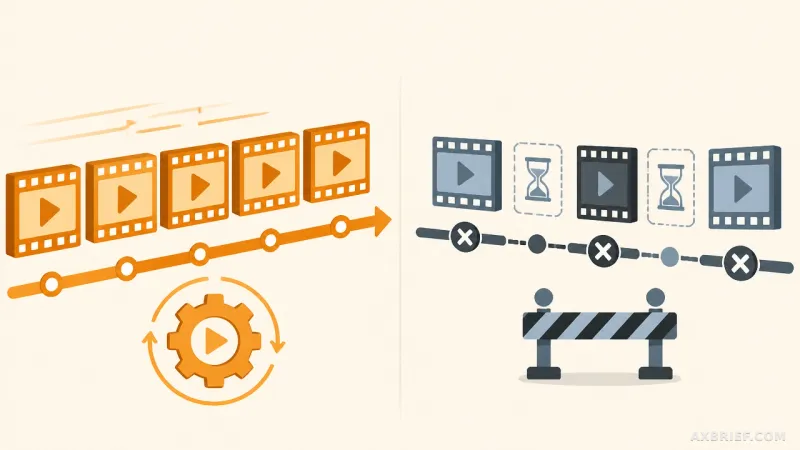
The technical capability to read a DOM tree is useful, but the actual shift occurs in the nature of the development loop. Traditionally, the human developer acts as the sensory organ for the AI, capturing screenshots and describing errors to provide the necessary context for a fix. This process is slow and prone to communication errors. With the Safari MCP server, the agent takes over the role of the observer. It no longer relies on a human to describe a rendering glitch; it observes the glitch, inspects the computed styles, and iterates on the code until the visual output matches the requirement.
This transition is particularly impactful for browser-specific compatibility testing and accessibility audits. Instead of a developer manually checking a page against various standards and prompting the AI to fix each individual finding, the agent can be tasked with the entire verification process. It can autonomously scan for accessibility violations in the DOM and apply fixes, verifying the result instantly through the browser's own rendering engine.
Security remains a primary concern when granting an AI agent control over a browser. To mitigate risks, the Safari MCP server is designed to run exclusively on the local machine and does not perform its own external network calls. It is strictly isolated from sensitive personal data, meaning it cannot access AutoFill data or other private browser activities. However, because the captured page data is transmitted directly to the agent the user is running, the responsibility lies with the developer to use a trusted agent provider. The data flow is a direct pipeline from the local browser to the chosen AI model.
By removing the need to describe the state of the browser, the developer's role evolves. The time previously spent on prompt engineering for visual bugs is reclaimed for high-level architecture and logic. The AI is no longer just a code generator; it becomes a runtime debugger that can see, touch, and verify its own work in a live environment.
The developer is no longer the translator for the AI, but the architect overseeing a self-correcting system.