Developers working with remote AI agents often hit a frustrating wall when they need to share visual context. Imagine you are in a deep session with Claude Code on a remote server, and you encounter a UI glitch or a layout error that is nearly impossible to describe in text. The standard workflow is a tedious cycle of saving the screenshot locally, opening an SFTP client, dragging the file to a specific directory, manually copying the absolute path, and finally pasting that path into the terminal. This friction breaks the flow of an autonomous agent's reasoning loop.
The Mechanics of SSH Image Drop
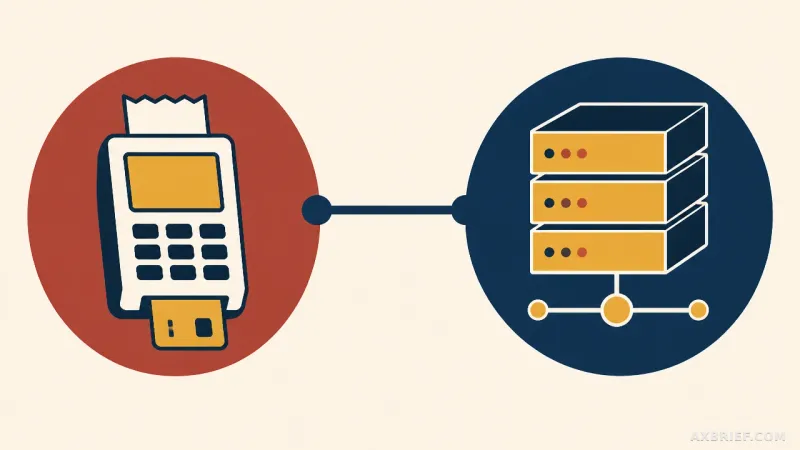
SSH Image Drop enters the ecosystem as a Raycast extension designed to collapse this multi-step process into a few keystrokes. The core functionality centers on a streamlined pipeline: a user copies an image to their local clipboard, triggers the extension via a shortcut, and the tool automatically uploads the image to a designated remote server. Once the transfer is complete, the extension automatically copies the resulting remote file path back to the local clipboard, allowing the user to paste it directly into a terminal or an AI agent's prompt.
Beyond simple image uploads, the tool extends its utility to the broader file system. Users can select files or folders directly from the macOS Finder to initiate transfers. It also supports the inverse operation, enabling local downloads of files specified via remote paths. To further reduce latency in the workflow, the extension supports Quicklink configurations for specific servers, which allows users to bypass the server selection menu entirely.
Technical requirements for the local environment include macOS 13 or higher, or Windows 11. On the remote end, the extension supports both macOS and Linux servers. Authentication is flexible, offering a choice between traditional passwords and SSH keys to fit various security postures.
Bridging the Gap Between Local Context and Remote Execution
While file transfer tools are common, the specific value of SSH Image Drop lies in its optimization for the agentic era of development. The shift toward tools like Claude Code means that the terminal is no longer just a place for commands, but a collaborative space where an AI needs access to the same visual evidence a human developer sees. By automating the path-retrieval process, the extension transforms a manual administrative task into a seamless data feed for the AI.
Security is handled with a focus on system-level integration rather than storing credentials in plain text. Passwords are encrypted using the macOS Keychain on Apple hardware and the Data Protection API (DPAPI) on Windows. To prevent unauthorized access or accidental uploads to the wrong environment, the extension restricts transfer targets to registered servers and those already defined within the `~/.ssh/config` file. This ensures that the tool operates within the existing security boundaries established by the user's SSH configuration.
This integration effectively turns the remote server into a multimodal workspace. Instead of treating the remote environment as a siloed text interface, developers can now treat it as an extension of their local desktop, where visual assets move as fluidly as text strings.
This utility marks a subtle but critical shift in how developers interact with remote AI agents, turning the terminal into a truly multimodal interface.