Prompt engineering is rarely a straight line. Most power users of Large Language Models spend their sessions in a state of constant iteration, clicking the regenerate button or pivoting their approach mid-stream to see which path yields the most accurate code or the most creative prose. Yet, the interfaces provided by OpenAI and Anthropic treat these interactions as linear scrolls. When you branch a conversation, the previous paths vanish into a hidden history, leaving the user to manually track which specific prompt variation led to the breakthrough. This cognitive load creates a gap between how we actually think through a problem and how the AI presents the result.
The Architecture of Conversation Mapping
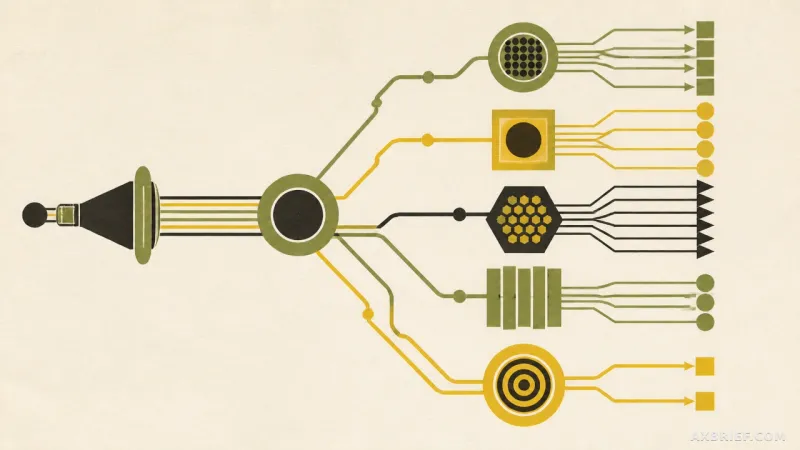
Show GN enters this space as a Chrome extension designed to expose the hidden geometry of AI interactions. Rather than a vertical list, the tool renders the entire conversation history as a tree graph within a dedicated side panel. This visualization allows users to see every fork in the road, where a single prompt might have led to multiple different AI responses. The interface is interactive; users can click on specific nodes to instantly jump to the full text of that particular message version or drag and drop nodes to reorganize the layout for better clarity.
To ensure the tool remains functional across different ecosystems, Show GN employs a specialized normalizer. Because ChatGPT and Claude utilize fundamentally different data structures for storing conversation history, the normalizer acts as a translation layer, unifying these disparate formats into a single, consistent schema. This allows the visualization engine to operate identically regardless of which platform the user is currently accessing. For those needing to document their prompt evolution or share a logic flow with a team, the extension provides native export options, allowing the completed graphs to be saved as HTML, PNG, or SVG files.
From a technical standpoint, the extension is built on Manifest V3 (MV3). It utilizes content scripts to access webpage data directly, but it does so with a strict privacy-first approach. All data processing happens locally within the browser. There is no external server transmission and no third-party analysis of the chat logs, ensuring that sensitive prompts and proprietary data never leave the user's local environment.
Transforming Chat Logs into Knowledge Graphs
The real shift occurs when the tool moves from simple visualization to active synthesis. While a tree graph is helpful, a massive conversation can still result in a cluttered map of indistinguishable nodes. Show GN addresses this by allowing users to input their own API keys to leverage the Claude Haiku model. Once integrated, the extension uses Haiku to generate concise, one-line summaries for each node, which are then cached for quick access. This transforms a raw log of messages into a navigable map of ideas, where the user can scan the summaries to find the exact moment a conversation shifted from a brainstorming phase to a technical implementation.
This approach highlights a fundamental tension in current AI UX: the conflict between the simplicity of a chat bubble and the complexity of a decision tree. By decoupling the visualization from the primary chat window, Show GN allows the user to maintain the flow of conversation while simultaneously auditing the logic of their prompt sequence. The decision to release the tool under the MIT license further emphasizes its role as a community utility. Because it is provided as an unpacked extension rather than a Web Store listing, developers can directly modify the source code to adapt the normalizer for other LLM interfaces or add new visualization parameters.
This transition from linear chatting to structural mapping suggests a future where AI interactions are treated less like instant messages and more like version-controlled documents.