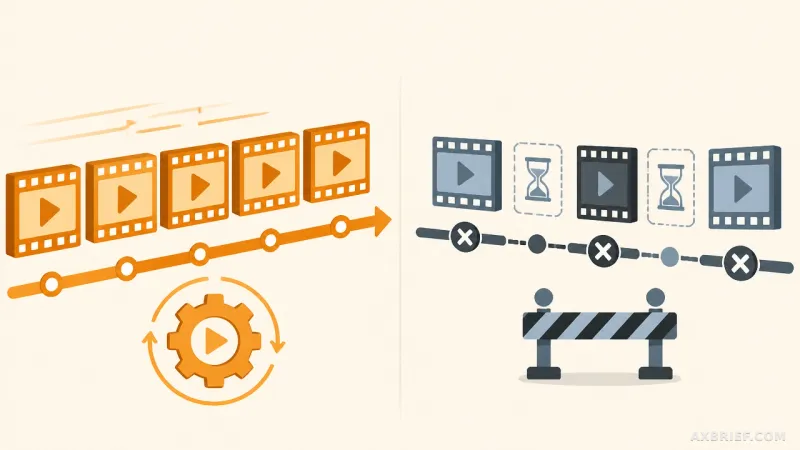
The modern AI workflow often feels like a translation exercise. For months, developers and power users have spent countless hours attempting to describe the minutiae of a user interface to a large language model, hoping the prompt is precise enough to trigger the correct sequence of clicks and keystrokes. This friction creates a gap between the intent of the user and the execution of the agent, as the implicit knowledge of how a specific app behaves is often lost in the transition from action to text.
The Mechanics of Behavioral Automation
OpenAI Codex is attempting to close this gap with the introduction of Record & Replay, a feature that allows Mac users to transform live workflows into reusable assets called Skills. Rather than requiring a detailed textual description of a process, the system observes a user performing the task in real-time and converts that behavioral pattern into an automation path. The process begins within the Codex app, where the user selects Record a skill from the plugin menu. Once active, Codex monitors the user's actions and the contents of the active windows on macOS.
Upon stopping the recording, Codex analyzes the captured telemetry to generate a skill draft. This draft is not a simple macro but a structured definition that includes the trigger conditions for the skill, the necessary input variables, the specific execution steps, and a method for verifying the final result. The system is designed for UI-based repetitive tasks. Examples of applicable workflows include submitting expense reports, reserving parking spaces, generating issues in a standardized format, posting videos, and downloading periodic reports. Once a skill is established, it can be summoned in new threads, where the user only needs to provide variable data such as a specific filename, a date range, or the content of a new issue.
Currently, this functionality requires the Computer Use feature to be enabled within the macOS environment. It is important to note that the initial rollout excludes users in the European Economic Area (EEA), the United Kingdom, and Switzerland.
From Linguistic Prompts to Behavioral Assets
This update signals a fundamental shift in how AI tools are adopted, moving the primary interface from linguistic description to behavioral demonstration. Traditional AI automation relies on the user's ability to logically decompose a task into a prompt. However, professional workflows are often riddled with hidden context—small, intuitive preferences or specific UI quirks that are nearly impossible to articulate in a text box. By allowing the AI to learn through observation, Record & Replay lowers the barrier to entry for complex automation, effectively treating the user's actions as the primary source of truth.
There is also a strategic distinction between the newly introduced Skills and traditional Plugins. Skills are designed for rapid, individual, or small-scale automation, serving as a way to quickly capture a workflow without writing code. In contrast, Plugins remain the standard for stable, team-wide deployments that require Model Context Protocol (MCP) server integration, installation metadata management, or deep application integration. This creates a tiered hierarchy of AI agent implementation: users can move from a fast experiment via a Skill to a stable, production-ready deployment via a Plugin.
This architecture allows users to assetize their repetitive labor through recording while reserving formal development for high-complexity features. By decoupling the rapid capture of a workflow from the rigorous engineering of a plugin, the path toward fully autonomous agents becomes a matter of recording a habit rather than programming a sequence.
For practitioners implementing this in a professional environment, the first point of failure is often the configuration file. If the `requirements.toml` file for an organization has the following setting:
[features].computer_use = falseBoth Computer Use and Record & Replay will remain disabled. Ensuring this is set to `true` is the prerequisite for any behavioral learning. To optimize the resulting skill, users must maintain a high level of discipline during the recording phase. Because Codex captures every action until the recording stops, including irrelevant cleanup or tangential movements can bloat the skill and degrade execution accuracy. The most effective demonstrations are concise and complete. Providing Codex with the intended goal and the expected variable inputs before starting the recording further enhances the learning efficiency.
Security remains a critical consideration during this process. Users must avoid entering actual passwords or sensitive personal data during a recording session, using placeholder values instead. After the recording is complete, the skill should be refined by explicitly instructing Codex on hidden preferences, such as specific filename conventions or field selection criteria. This post-recording refinement ensures that the AI does not just mimic the movement, but understands the logic behind the action.
The transition from prompting to recording transforms the user from a writer of instructions into a trainer of behaviors.