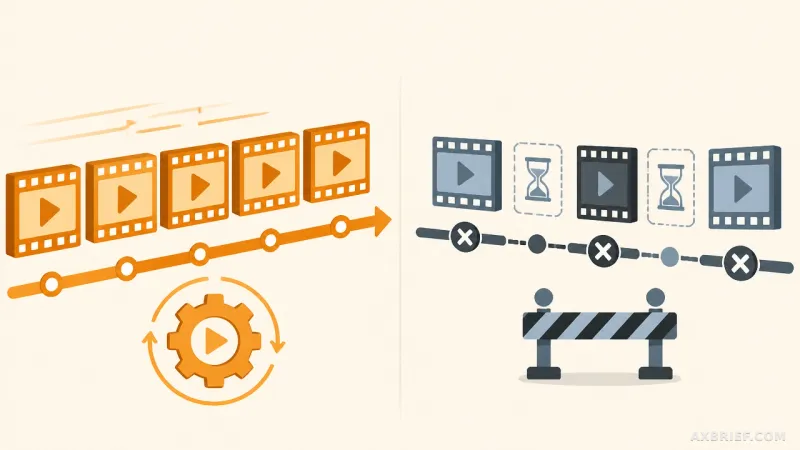
For the past year, AI music generation has largely felt like a high-stakes lottery. A user enters a prompt, waits a few seconds, and receives a fully baked audio file that is either a masterpiece or a dissonant mess. While the results are often impressive, the lack of granular control has kept professional producers at a distance. The frustration lies in the gap between a great AI-generated idea and a polished, radio-ready track. To fix a single off-key note or adjust the reverb on a vocal line, producers have had to export the audio and spend hours in external software, fighting against a static waveform.
The Architecture of a Browser-Based Studio
Suno Studio 2.0 fundamentally changes this dynamic by evolving from a prompt-based generator into a comprehensive Digital Audio Workstation (DAW). The environment now operates directly within the web browser, providing a timeline where users can arrange multiple tracks, set precise beats, and manage tempo. This is no longer about generating a file; it is about managing a project. The platform now supports the core pillars of music production, including playback, recording, and a sophisticated mixing suite that allows for the automatic adjustment of volume and effects.
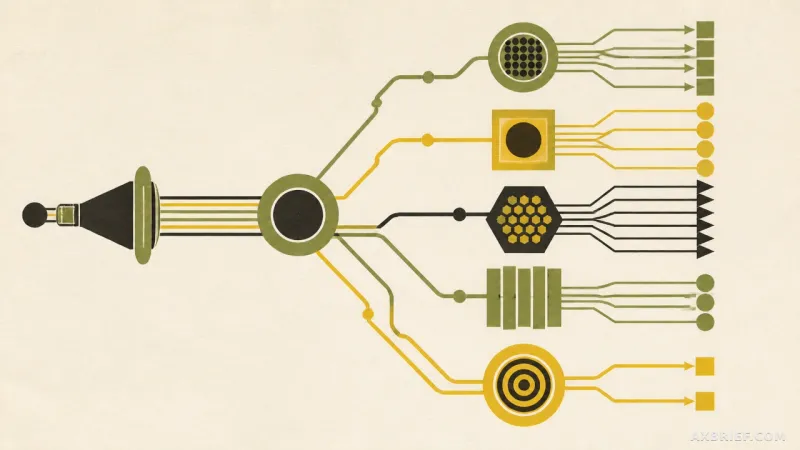
One of the most significant technical leaps is the introduction of advanced stem separation. The system can now decompose existing songs or external audio files into up to 12 distinct parts. This process automatically isolates vocals, drums, bass, guitar, and keyboards, allowing producers to strip away unwanted elements or rearrange the composition entirely. For Premier users, this precision is further enhanced by a library of approximately 100 instruments, enabling them to selectively extract and replace specific sounds to refine the arrangement.
To ensure the output meets professional standards, Suno Studio 2.0 supports high-fidelity exports. Users can export individual tracks at 32-bit/48kHz, a specification that allows the AI-generated content to be moved into professional external DAWs without a loss in quality. This transition from a closed-loop generator to an open-ecosystem tool marks a shift in how AI music is consumed and produced.
From Generative Prompts to Contextual Control
The real shift in Suno Studio 2.0 is not just the addition of buttons and sliders, but the introduction of Studio Chat. Unlike a standard generation window, Studio Chat is a context-aware AI interface that understands the state of the current project. Instead of asking the AI to create a new song, a producer can now tell the AI to apply a specific compression to the vocals or adjust the frequency response of the bass track in real-time. It acts as a virtual engineer that can handle the tedious aspects of mixing and track organization through natural language.
This represents a pivot in philosophy. Suno is moving away from the idea that AI should replace the musician and toward a model where AI assists the creator. The design principle prioritizes manual control over text prompts during the implementation phase. While prompts remain useful for the initial spark of an idea, the actual sculpting of the sound is left to the user. The AI handles the repetitive, labor-intensive tasks, but the creative direction remains human-led.
This synergy is most evident in the new MIDI integration. In previous versions, the AI decided the melody and the timbre simultaneously. Now, MIDI data—whether created via a keyboard or a piano roll—serves as a direct condition for audio generation. A producer can compose a specific melody and chord progression in MIDI, and then use the AI to render that exact structure using a specific instrument or style. The AI preserves the original rhythm, melody, and velocity of the performance while only changing the sonic skin. This removes the randomness of generative AI and replaces it with intentionality.
Furthermore, the platform introduces the ability to generate custom audio effect plugins via text. A user can describe a sound, such as a warm, slightly wobbly vintage tape effect, and the AI will generate a functional plugin to achieve that result. These plugins can be refined through iterative chatting and then saved to the user account, allowing for a consistent sonic identity across different projects. By turning natural language into functional DSP (Digital Signal Processing) tools, Suno is effectively automating the technical barrier to entry for sound design.
This evolution suggests a future where the boundary between composing and engineering disappears, as the AI manages the technical overhead of the studio while the human focuses on the musical architecture.