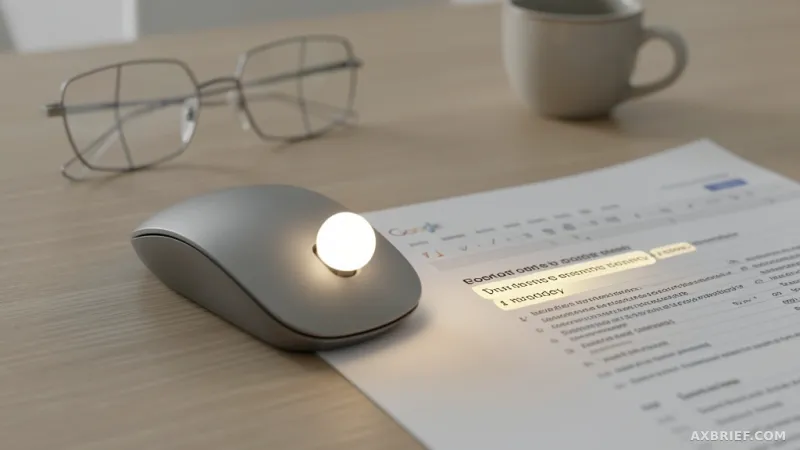
The cursor has been a dumb arrow for fifty years. You point, it sits there. This week, Google DeepMind turned it into something that actually understands what you're looking at. The research team released an experimental Gemini-powered pointer that reads not just where the cursor is, but what the user is pointing at — the visual content, the semantic meaning, the surrounding UI. Two demos went live in Google AI Studio today: one for image editing, one for map location search. Both are controlled by pointing and voice commands.
Chrome and Googlebook Integration
A deeper integration called Magic Pointer is rolling out incrementally inside the Chrome browser. Further integration is planned for Googlebook, the Gemini-based notebook line announced this week. The problem the team is solving is straightforward: when a user wants AI assistance during a task, they currently have to leave the current window, navigate to a chat interface, and re-explain the context. This system works in the opposite direction. The AI enters the user's workflow instead of pulling the user out of it.
Four Design Principles
The research team laid out four principles. First, maintain the flow. The AI capability must work across all applications and should not divert the user into an "AI detour." The prototype exists at the pointer level in every tool the user is working in. You can point at a PDF and ask for a summary, or hover over a statistics table and say "make a pie chart."
Second, show and tell. Current AI models demand precise text prompts. This system automatically captures the visual and semantic context of the cursor position and feeds it as model input. Technically, it processes cursor hover state and surrounding UI content as structured input. It works similarly to how multimodal models process images and text together, but here the visual region is dynamically cropped in real time around the moving cursor.
Third, embrace the power of 'this' and 'that.' Humans naturally use deictic language in everyday conversation — "fix this," "move that over here." The system combines pointing, voice, and context to understand what "this" refers to without the user having to describe it.
Fourth, turn pixels into actionable entities. The system performs entity extraction at inference time from the visual content under the cursor. A photo of handwritten notes becomes an interactive to-do list. A paused frame from a travel video turns into a restaurant reservation link. This is the technical core: converting raw pixel regions into typed, actionable objects.
Real-World Usage
The change developers will feel immediately is workflow compression. Previously, working in a document or browser tab and encountering something unfamiliar meant switching to a chat interface, re-entering context, and pasting results back. Now you point at the target and speak. In Chrome, you can select multiple products and ask for a comparison, or point at a spot in a living room photo and instruct a virtual furniture placement.
Developers can run the demos directly in Google AI Studio. No commands or configuration examples have been released yet; the team said it will provide technical details in a separate document. Interested developers can refer to the Google DeepMind GitHub repository and the Gemini documentation.
The pointer, after half a century as a simple location tracker, has started evolving into a tool that understands meaning.