This week, a new name shot up the GitHub trending page: Unsloth Studio. Developers started posting screenshots of their first merges, with comments like "finally, a GUI for model merging" and "I'm so tired of memorizing mergekit commands." The community chatter has zeroed in on one idea: combining large language models without writing a single line of code.
Unsloth Studio, the Open-Source Browser GUI Released March 2026
Unsloth Studio is an open-source, browser-based GUI released by Unsloth AI in March 2026. It runs entirely on your local machine and supports hundreds of models from Llama, Qwen, Gemma, DeepSeek, and Mistral families. Installation is straightforward:
conda create -n unsloth_env python=3.10
conda activate unsloth_env
pip install unsloth-studio
Windows users need to install PyTorch first. After installation, launch with:
unsloth-studioThe first run compiles llama.cpp binaries, which takes 5–10 minutes. Once done, your browser opens automatically to the dashboard. Verify the installation with:
python -c "import unsloth; print(unsloth.__version__)"If you see Unsloth version 2025.4.1 running with CUDA-optimized kernels, you're set.
What Used to Take 10 Lines of Commands Now Takes Drag-and-Click
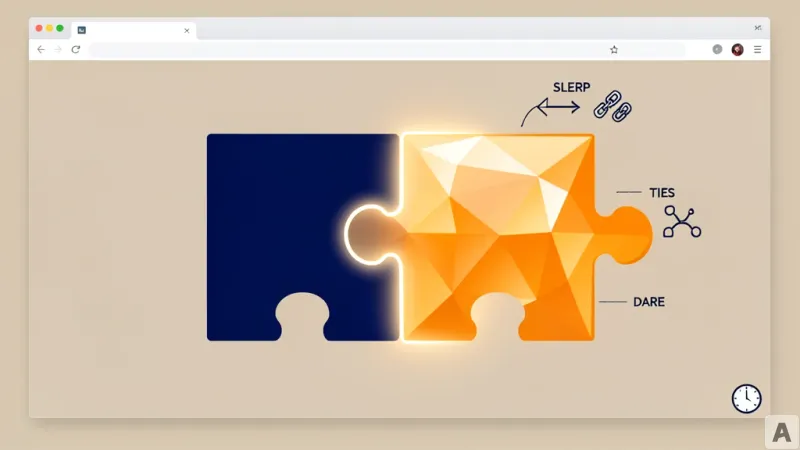
Previously, merging multiple LoRA adapters meant writing a mergekit config file by hand — specifying SLERP, TIES, and DARE parameters in JSON, then running it through the CLI. With Unsloth Studio, you navigate to the Training module, select the checkpoints to merge, choose "Merged Model" in the Export section, and you're done.
Unsloth Studio supports three merging methods:
- **SLERP** for smoothly blending two models
- **TIES-Merging** for resolving conflicts among three or more models
- **DARE** for randomly removing 90–99% of delta parameters, then combining with TIES (DARE-TIES)
The merge formula is:
W_merged = W_base + (A * B) * scaling
For 4-bit models, Unsloth automatically converts to FP32, merges, then converts back to 4-bit. The merged model saves in safetensors format, ready for immediate use with llama.cpp, vLLM, Ollama, and LM Studio.
The Real Shift Developers Feel Is Deployment Speed
Once merged, you can push the model to Ollama and use it as an API server instantly. Community feedback includes comments like "merging used to take all day." According to the NVIDIA technical blog, model merging combines weights from multiple customized LLMs to improve resource utilization and add value to successful models. Unsloth Studio handles this entire process through a GUI, without a single line of code.
After merging, you can upload the model to Hugging Face or save it locally. You can also use MergeKit alongside the CLI for advanced configurations. Here's an example setup:
slices:- sources:
- model: model1
layer_range: [0, 32]
- model: model2
layer_range: [0, 32]
merge_method: slerp
parameters:
t:
- filter: self_attn
value: 0.5
- filter: mlp
value: 0.3
- default: 0.2
dtype: bfloat16
The most common community tip: start with a SLERP t-value of 0.5 and adjust from there.
Merging models without code means that expert-level model combination is no longer the exclusive domain of AI engineers.