The cognitive tax of context switching is the silent killer of modern productivity. For years, the workflow for interacting with an AI assistant has remained fundamentally fragmented: a user identifies a problem in one application, captures a screenshot or copies text, switches to a browser tab, uploads the data, and then waits for a response. This repetitive cycle does more than waste seconds; it breaks the flow of deep work and separates the AI from the actual environment where the work happens. Google is now attempting to erase this boundary by integrating Gemini directly into the macOS ecosystem.
Breaking the Browser Barrier with macOS 15
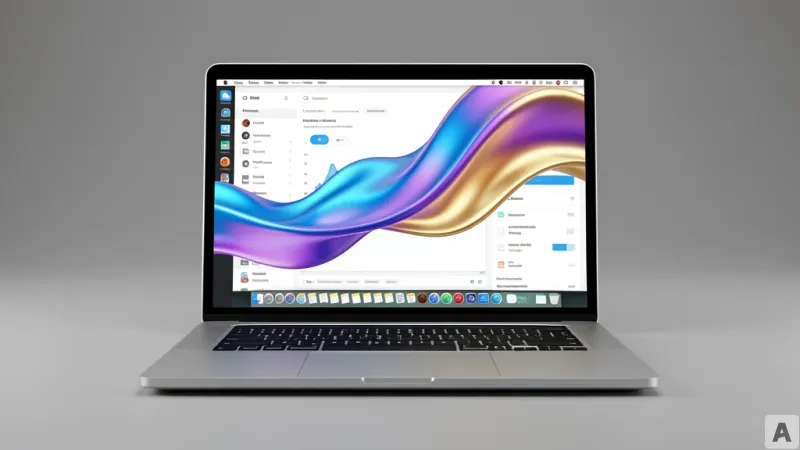
Google has officially released a dedicated Gemini application for Mac, specifically optimized for macOS 15. While many AI tools exist as wrappers for web pages, this native implementation allows Gemini to reside as a system-level utility rather than just another browser tab. The most immediate impact is the introduction of a global shortcut. By pressing Option and Space simultaneously, users can summon Gemini instantly from any screen, regardless of which application is currently in focus.
This shift to a native app is not merely about convenience or launch speed. It represents a fundamental change in how the AI interacts with the operating system. In a web-based environment, the AI is blind to everything outside the browser window unless the user manually provides input. By moving into the native layer of macOS 15, Gemini gains the ability to exist as an overlay, reducing the friction between a user's thought process and the AI's execution. The goal is to transform the AI from a destination you visit into a layer that exists across your entire digital workspace.
The End of the Screenshot Era
The most significant technical leap in this release is the implementation of native screen sharing. Historically, if a user wanted Gemini to analyze a complex spreadsheet, a piece of code, or a design mockup, they had to perform a manual hand-off. This involved taking a screenshot, saving the file, and uploading it to the chat interface. This process is a bottleneck that discourages spontaneous AI collaboration.
With the new Mac app, Gemini can now see what the user sees in real time. Users can share their current screen or specific local files directly with the model. For instance, a developer can keep a complex terminal output open and ask Gemini to identify a specific error without leaving the IDE. A financial analyst can point the AI toward a dense table of data and request a three-point summary of the most critical trends.
This capability moves the AI toward true contextual intelligence. Instead of the user spending time explaining the situation to the AI, the AI observes the situation. This eliminates the need for exhaustive prompting because the visual context provides the necessary background. Gemini is no longer just a chatbot responding to text; it is becoming a digital collaborator that shares the user's visual field, effectively closing the gap between perception and action.
Integrating a Multimodal Creative Suite
Beyond productivity and data analysis, Google is positioning the Gemini Mac app as a centralized hub for multimodal creation. The integration of Nano Banana for image generation and Veo for short-form video production marks a transition from a search-centric tool to a generative workspace. Previously, creating an AI-generated asset required navigating to a separate specialized tool or website, which further fragmented the creative process.
By embedding Nano Banana and Veo directly into the native app, Google allows users to generate visual assets within their existing workflow. A user drafting a presentation can summon Gemini via the shortcut, generate a supporting image through Nano Banana, and perhaps a brief conceptual video via Veo, all without ever leaving their slide deck. This integration suggests that Google views the future of AI not as a series of disconnected tools, but as a unified creative engine that can pivot between text, image, and video instantaneously.
This convergence of tools into a single system-level entry point changes the nature of the user's relationship with the software. When the cost of accessing a tool drops to a simple keystroke, the frequency of use increases. The AI becomes a constant companion in the creative process rather than a tool used only for specific, heavy-lifting tasks.
As AI continues to migrate from the cloud into the core of the operating system, the primary challenge for users will shift. The struggle is no longer about finding the right tool or figuring out how to move data from point A to point B. Instead, the focus moves toward the quality of the intent. When the technical barriers to AI interaction vanish, the only remaining limit is the user's ability to conceptualize the result they want. Google's move into macOS 15 is a clear signal that the era of the standalone chatbot is ending, and the era of the integrated AI OS is beginning.