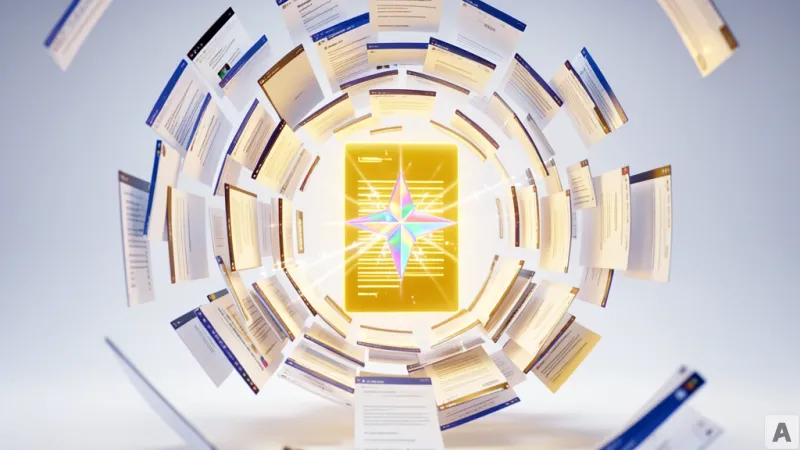
The modern research workflow is often a exercise in cognitive endurance. A user starts with a single query, which leads to three promising articles, which lead to ten supporting documents, until the browser window is a crowded skyline of slivers and icons. To synthesize a single report, the user must click through twenty different tabs, hunting for a specific quote or data point, only to forget the original intent of the search mid-transition. This fragmented experience is not a failure of the user but a limitation of the browser, which has historically functioned as a passive viewer rather than an active participant in the research process.
The Integration of Gemini into the Chrome Interface
Google is addressing this fragmentation by embedding a dedicated Gemini icon directly into the top right corner of the Chrome browser. This placement transforms the AI from a destination—a separate website the user must visit—into a persistent utility layer. The primary function of this integration is to allow users to query the content of their current webpage instantly. However, the utility extends beyond the active window. The tool can now aggregate, compare, and summarize information scattered across multiple open tabs, effectively treating the entire browser session as a single, searchable knowledge base.
Alongside this interface shift, Google has introduced capabilities powered by Gemini Nano, the company's lightweight, on-device AI model. One of the immediate applications of this local model is an image conversion feature that operates within the browser interface. By leveraging Gemini Nano, Chrome can perform specific AI-driven tasks without requiring the user to navigate to a separate service or upload files to a third-party platform. The goal is to keep the user within the flow of their current task, reducing the friction between finding information and processing it.
The Shift from Manual Retrieval to Cognitive Synthesis
To understand the significance of this update, one must look at the traditional AI workflow. Until now, using an LLM for web research required a repetitive cycle of copying text from a webpage, switching tabs to an AI chat interface, pasting the content, and then issuing a prompt. This process is essentially a digital version of transcribing a book into a notebook before asking a question about the text. It creates a massive overhead of manual labor that distracts from the actual analytical work.
The new Chrome integration eliminates this loop by allowing the AI to interact directly with the Document Object Model (DOM). Instead of relying on user-provided snippets, the AI reads the underlying structure of the web pages currently loaded in the browser. This means the AI possesses the full context of the user's research session. When a user asks for a summary of twenty open tabs, the AI is not just summarizing text; it is synthesizing a distributed dataset in real time. The tension shifts from the struggle of information retrieval to the higher-order task of information verification and judgment.
This architectural shift is further bolstered by the move toward on-device AI. While traditional LLMs rely on massive cloud clusters, Gemini Nano operates using the local hardware of the user's machine. This distinction is critical for two reasons: latency and privacy. By eliminating the round-trip to a remote server, the response time for local tasks is significantly reduced. More importantly, it minimizes the amount of sensitive browsing data that must be transmitted over the network. When the AI processes information locally, the user's browsing history and active session data remain within the device's secure perimeter, reducing the attack surface for data leaks.
By moving the AI from a separate tab into the browser's core architecture, Google is redefining the role of the web browser. It is no longer a simple window used to view static pages, but an intelligent workspace that manages the user's cognitive load. The browser now acts as a real-time assistant that reads along with the user, remembering the details across twenty tabs so the human mind does not have to.
Chrome has evolved from a tool for accessing information into a system for synthesizing it.