Every morning, you open the search bar, and within minutes you have five tabs running — a product page, a documentation site, a forum thread, a video tutorial, and the original search results. You hop between them, losing context each time. This week, Google updated Chrome with an AI Mode that changes that pattern entirely. When you click a search result link, the webpage opens side-by-side with the AI Mode panel. No more tab hopping, no more lost context.
Concrete Changes: Split-Screen on Link Click, Tab and File Context Inclusion
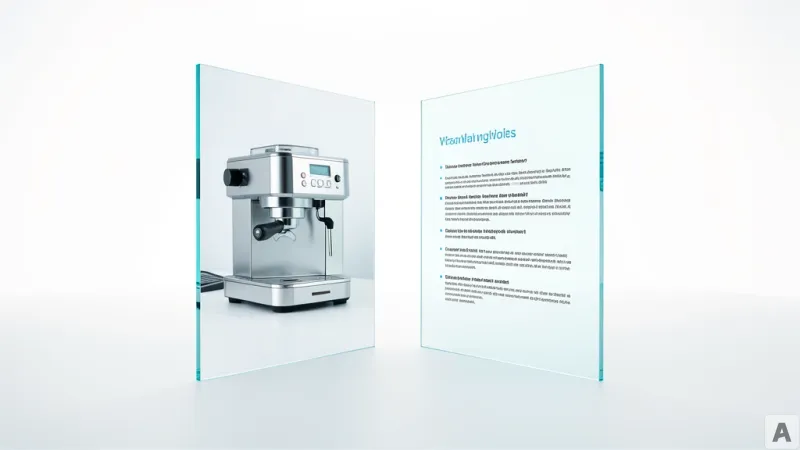
The first change in this update is how tools connect. On Chrome desktop, when you are using AI Mode and click a link in the search results, the webpage opens next to the AI Mode panel. You can visit the site, compare details, and ask follow-up questions without losing your search context. For example, after searching for "latte maker for my apartment," you can open a retailer site for a model you like and ask, "Is this product easy to clean?" AI Mode generates an answer by synthesizing context from that page and the broader web.
A new "plus" (+) menu has also been added to the search input field. On both Chrome desktop and mobile, you can select recently opened tabs from the new tab page search bar or the existing plus menu inside AI Mode to include them in your search context. You can mix text, multiple tabs, images, and files like PDFs as search input. For instance, if you are researching local hiking trails, you can select several tabs with relevant sites and ask, "What are other trails of similar difficulty?" If you are studying for a statistics midterm, you can bring in tabs with lecture notes, slides, and academic papers, then ask, "Show me additional examples of this concept."
What Changed: Context Without Tab Switching, Unrestricted Input Formats
Previously, to view search results you had to switch tabs or open a new window. To maintain search context, you had to dig through browser history or jot down keywords in a separate note. Now, clicking a link while AI Mode is open switches to a split-screen view, so your search flow is uninterrupted. Early testers noted that they no longer needed to keep switching tabs when viewing long documents or videos. Additionally, search input was previously limited to text or a single image. Now you can provide multiple tabs and files as context simultaneously, enabling complex research and comparison tasks.
Developers Feel the Change: Canvas and Image Generation Tools Become More Accessible
The developer community is paying attention to the improved accessibility of powerful tools within AI Mode. Canvas (the code and document editing tool) and image generation features are now available wherever the plus menu appears inside Chrome. This means you can edit a code snippet or generate an image to explain a concept directly while viewing search results. This update is currently available only in the United States, and Google has stated it plans to expand to more regions in the future.
AI Mode is Google's experiment to turn search from a tab-switching game into a context-preserving conversation.