You're three hours into a refactor, and Codex is running a long script. You switch to your browser to check docs, and the moment you do, your laptop goes to sleep. The job dies. You lose the output. This week, OpenAI shipped a setting that kills that exact pain — and three others that reshape how developers interact with their coding assistant.
Section 1
OpenAI quietly rolled out a settings menu for Codex, its natural-language coding agent, accessible from the bottom-left menu of the Codex interface. The company recommends new users focus on four core options.
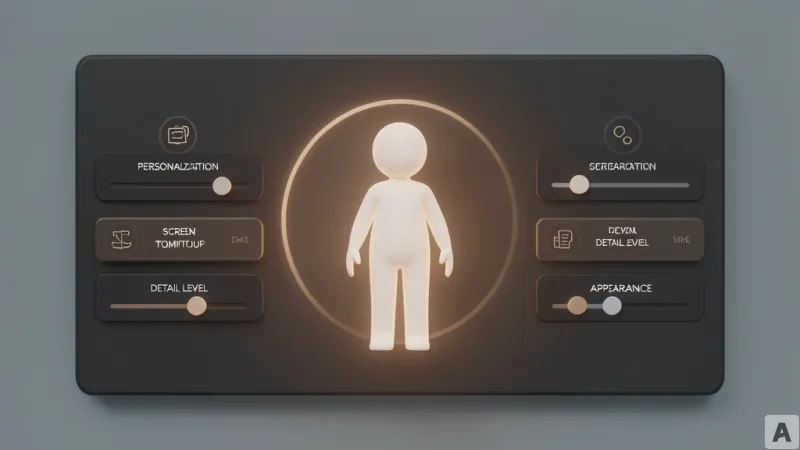
**General > Prevent sleep while running** stops the computer from entering sleep mode while Codex is executing a task. This is critical for long-running jobs — if the machine sleeps, Codex halts mid-operation with no recovery.
**General > Detail level** controls how much information Codex displays during a session. The "Coding mode" shows the exact commands Codex is executing in real time. The "Default" mode keeps the conversation more concise, hiding the raw command stream.
**Personalization** is the most significant addition. Previously, Codex responded in a uniform tone. Now it works like ChatGPT: you can choose between a friendly tone and a direct tone. You can also add custom instructions, exactly as you would in ChatGPT, to pre-set behavioral guardrails or output preferences.
**Appearance > Avatar** lets you assign a friendly character that tracks Codex's progress in the background. The avatar can be dragged anywhere on screen. Clicking it returns you to the Codex interface.
Section 2
So what's actually different? The avatar feature is the sleeper hit. Before this update, running a long Codex task meant either staring at a terminal window or risking a sleep-induced crash. Now you can switch to another window — your IDE, a browser, Slack — and the avatar floats on top, showing progress. You don't need to keep the Codex window open. You don't need to poll for status. The tool becomes ambient.
Compare this to the old workflow: you'd start a job, alt-tab away, and either forget about it or constantly check back. The avatar collapses that cognitive overhead into a glance. It's a small UI change that fundamentally shifts the relationship from "I watch the tool" to "the tool watches itself and tells me when it's done."
The personalization settings address a different tension. Early Codex users complained that the assistant felt robotic — it couldn't adapt its communication style to the developer's preference. Now you can set it to direct mode for production debugging and friendly mode for exploratory coding. The custom instructions layer means you can bake in project-specific conventions without repeating them in every prompt.
OpenAI's own advice is telling: don't try to master all settings at once. Keep permissions conservative, start with default detail level, and adjust as you work. The settings are designed to be iterative, not prescriptive.
Resolution
Codex's settings menu doesn't just add knobs — it shifts the tool from something you manage to something that manages itself around you, and that's the moment a coding assistant stops being a novelty and starts being invisible infrastructure.